FlixFox is an Android app for movies, web series, live TV and cricket, with more than 1 lakh titles in English, Hindi, Tamil and Telugu. Most of the library is free to watch with short ads, and you don't need an account to start. Want no ads, Full HD and unlimited downloads? FlixFox Premium unlocks all of that. Version v2.1.3 was released on September 30, 2026 and weighs 34.5 MB. Grab the APK below, follow the guide for your phone brand, and you can be set up in about five minutes.
Download FlixFox APK v2.1.3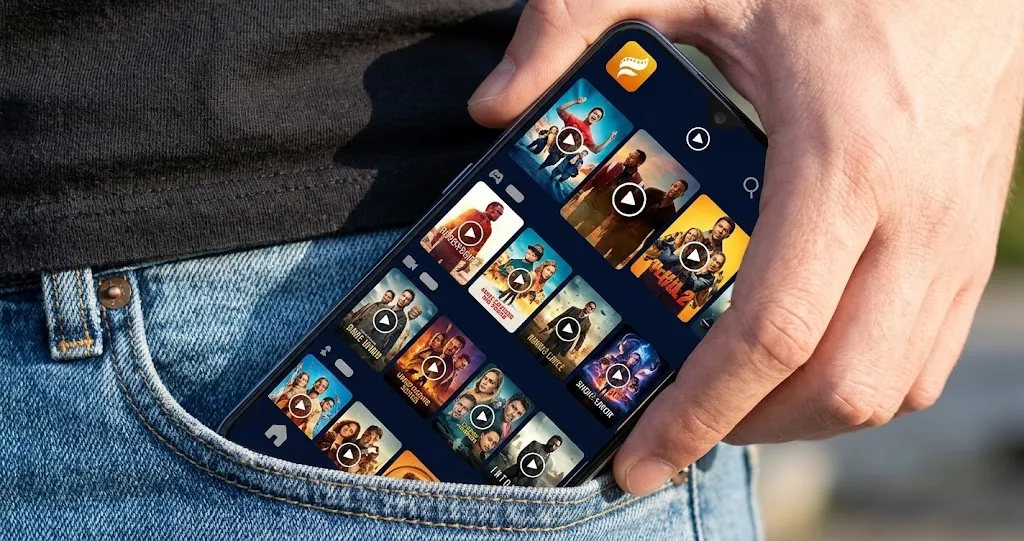
FlixFox is an entertainment app that brings movies, web series, anime, live TV channels and cricket into one place on your Android phone. You open it, choose what you want to watch, and press play. There's no sign-up screen in the way. Free viewing comes with short ads, and if you'd rather skip them, FlixFox Premium gives you an ad-free experience with extra features.
The library goes past 1 lakh titles and covers drama, romance, action, comedy, horror and documentaries. FlixFox is built for viewers in India, so regional cinema gets equal space next to international releases, and Hindi, Tamil and Telugu content sits right on the home screen instead of being hidden three menus deep.
FlixFox is not listed on the Google Play Store. It is distributed as an APK file, which is the standard Android app package, and you install it directly from the official website. The process takes a few taps, and this page walks you through it for the most common phone brands sold in India.
The app also runs on Android TV and Fire TV Stick, and on Windows PCs through an Android emulator. One app, every screen you already own.
| App Name | FlixFox APK |
| Version | v2.1.3 |
| Last Updated | September 30, 2026 |
| File Size | 34.5 MB |
| Android Required | 6.0 and above |
| TV Version | v2.1.3 (21 MB) |
| Plans | Free (ad-supported) and FlixFox Premium |
| Ads | Free plan with ads / None with Premium |
| Max Quality | Full HD 1080p (Premium) |
| Languages | English, Hindi, Tamil, Telugu |
| Sign-up | Not required to start watching |
| Category | Entertainment |
| Developer | FlixFox Apk Team |
| Price | Free |
| Source | Direct APK (not on Google Play) |
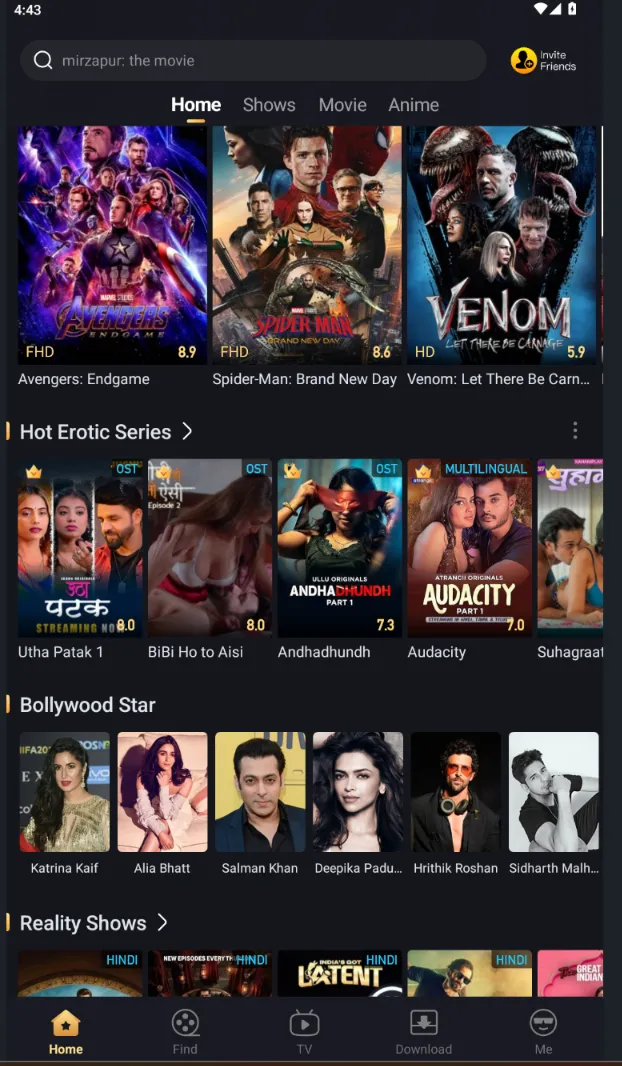
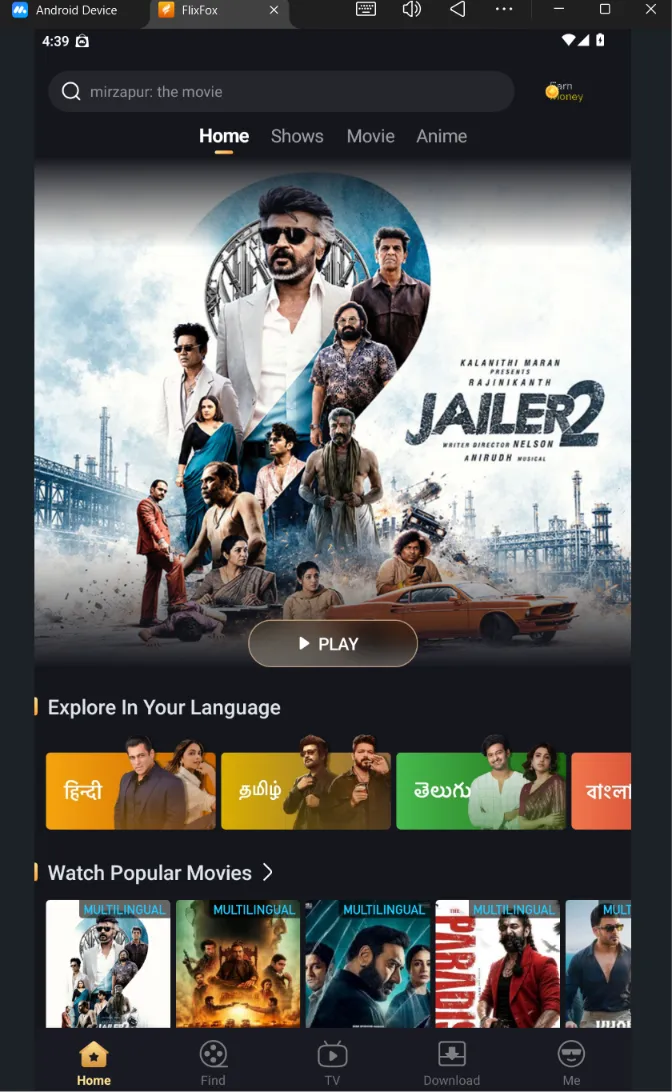
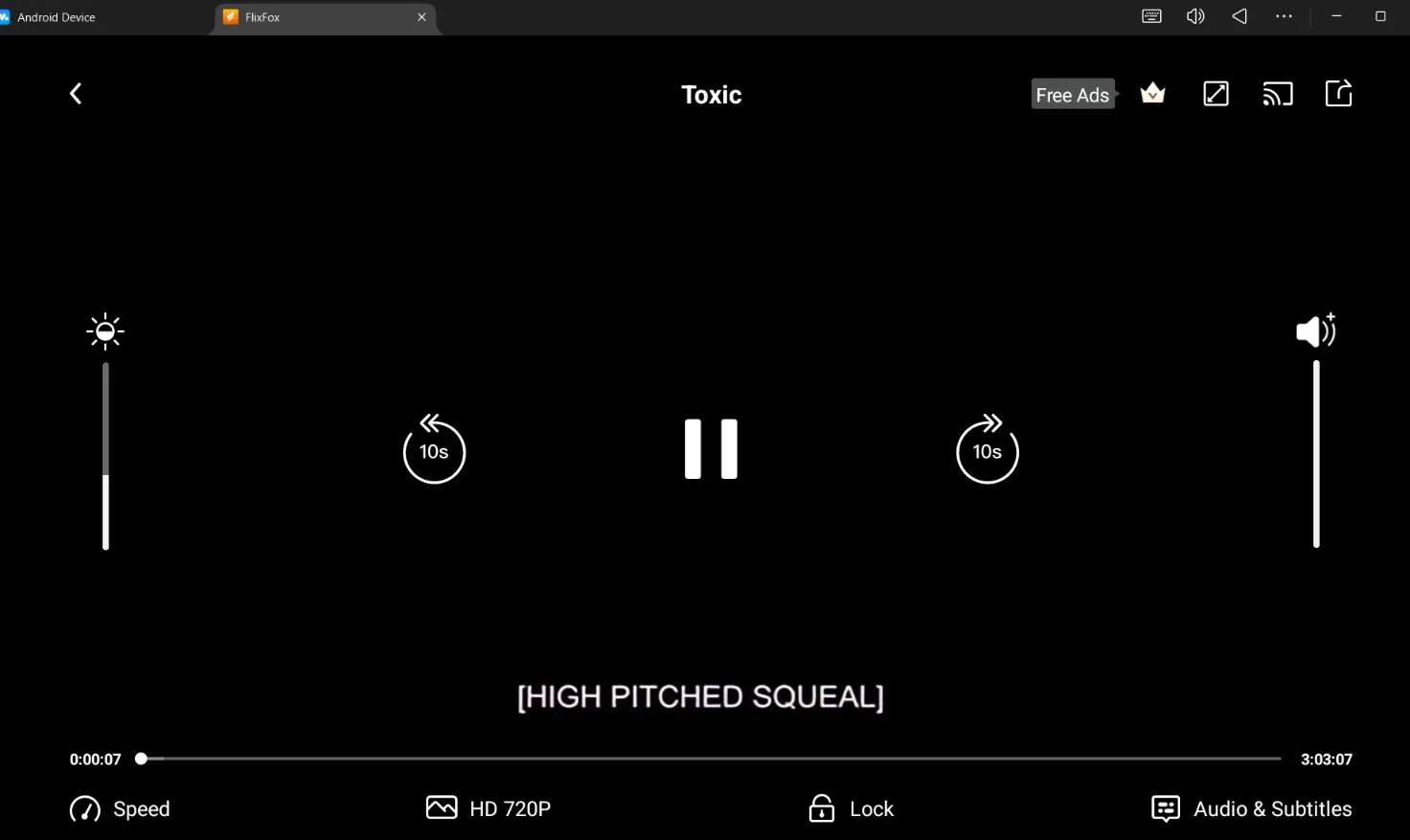
Most of the library plays free with short ads. No payment needed to get started.
Open the app and start watching. No email, no phone number, no OTP.
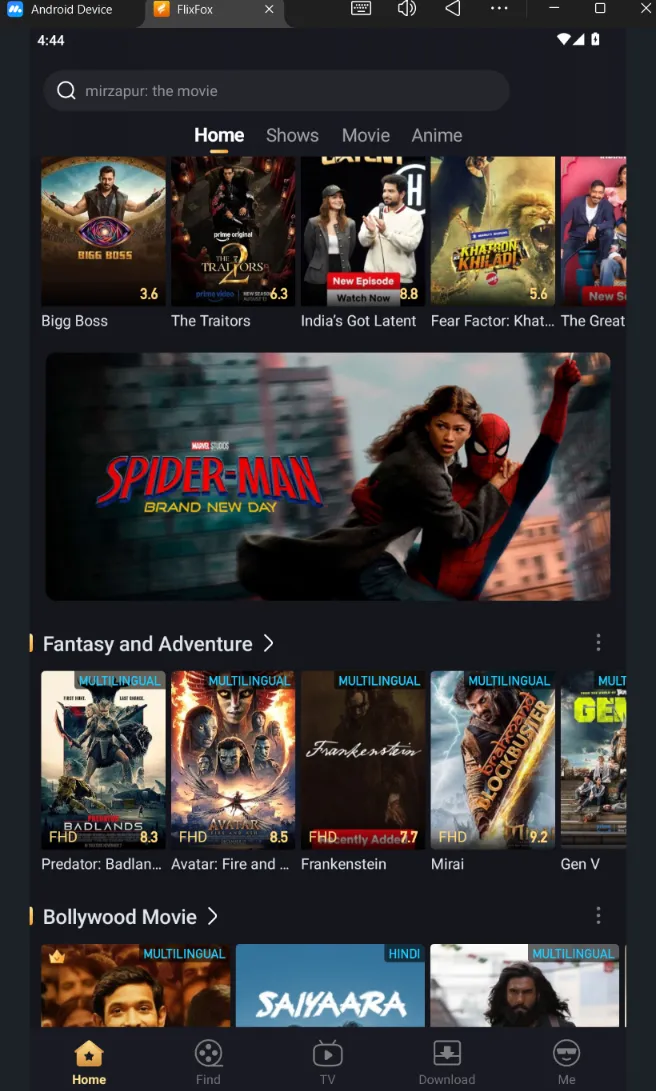
Movies, web series, anime and documentaries across every major genre, refreshed regularly.
Regional films and shows get a front-row spot, not a hidden corner of the library.
Change the app interface between English and Hindi from settings whenever you like.
Live TV channels and a dedicated sports section, so match day doesn't need a second app.
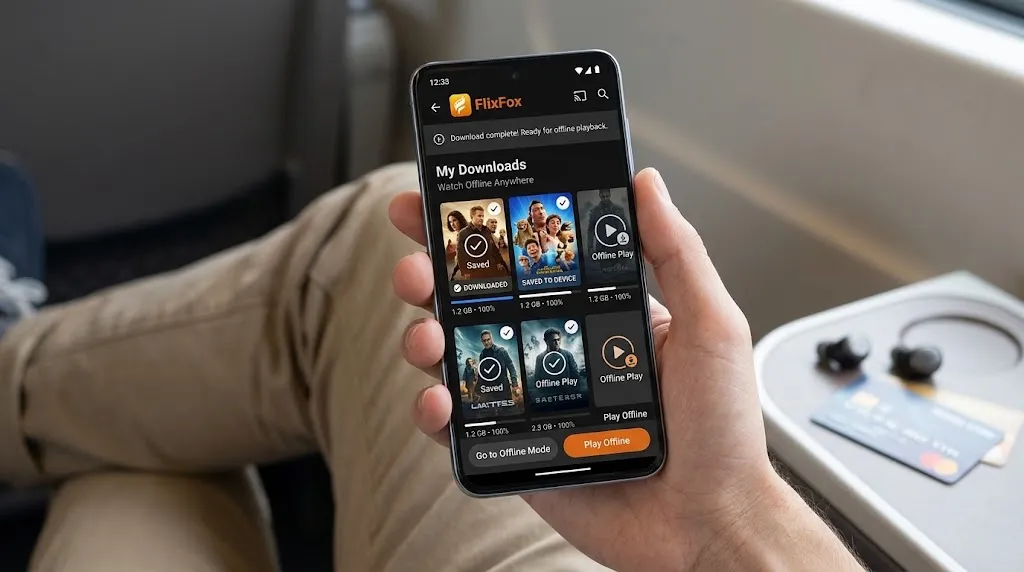
Save episodes on Wi-Fi at home and watch them later on a train or in a no-signal zone.
Go ad-free with Full HD, unlimited downloads and exclusive titles.
FlixFox on your Android phone, plus Android TV and Fire TV Stick with Premium (5 days free for new TV users).
Most streaming apps treat Indian languages as an add-on. FlixFox starts from them.
When you first open the app, you can set your preferred content languages. From then on, the home page, the Discover section and the recommendation rows lean towards titles in those languages. If you pick Tamil and English, you will see Tamil releases and English series first, not a random mix.
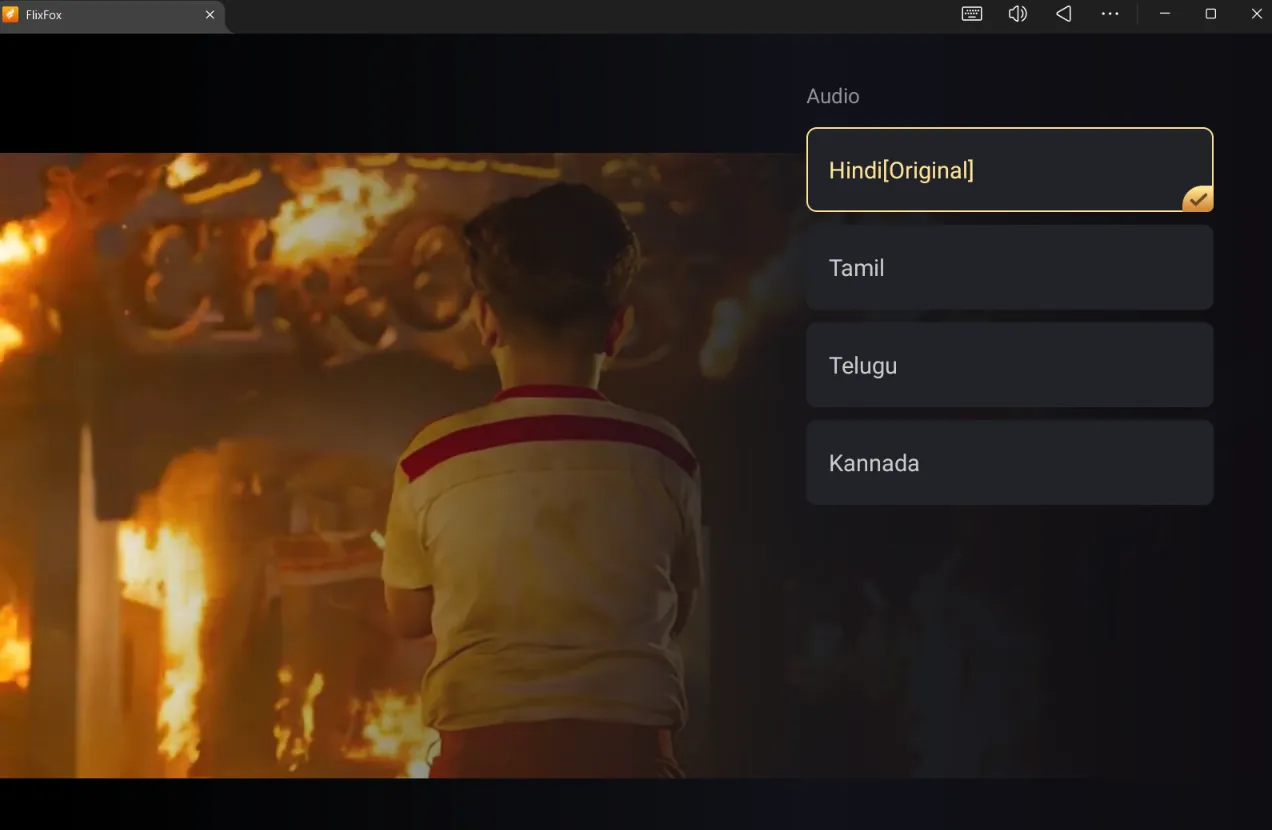
Playback follows the same preference. When a title has more than one audio track or subtitle option, FlixFox picks your preferred language by default, so you are not hunting through menus every time you press play. You can still switch tracks from the player whenever you want.
Search understands regional titles as well. Type a Telugu or Hindi movie name in English letters and the matching results show up, along with a trending list on the search page so you can see what other viewers are watching right now.
And if you are more comfortable reading menus in Hindi, the whole app interface can switch from English to Hindi in a couple of taps.
Before you download, check that your phone meets these basics:
Want FlixFox on a bigger screen? See the FlixFox for TV guide or the FlixFox for PC setup.
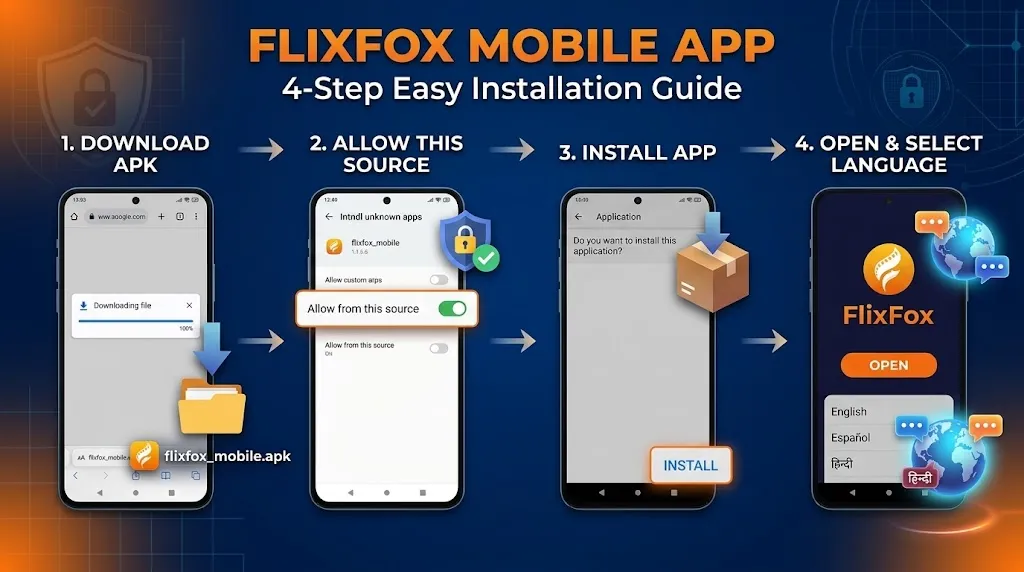
Installing an APK sounds technical, but it is only a few taps. The exact screens depend on two things: your Android version and your phone brand. Start with the version check below, then open the tab for your brand.
Android 8.0 or newer (almost every phone sold in the last few years): You don't need to change any setting in advance. When you tap the FlixFox APK file, Android shows a prompt asking for permission to install from that source, such as Chrome or your file manager. Tap Settings, turn on Allow from this source, go back, and tap Install. The permission applies only to the app you used to open the file.
Android 7.1 or older: These versions use a single switch for all sources. Before you open the APK, go to Settings > Security and turn on Unknown sources. Then open the file and tap Install.
Not sure which version you have? Go to Settings > About phone and look for Android version.
Menu names can vary a little between software versions. If a setting isn't where this guide says, type unknown apps into the search bar at the top of your Settings app.
If Google Play Protect shows a warning during installation, it means the app didn't come from the Play Store. Tap More details and then Install anyway, but only if you downloaded the file from the official FlixFox website.
FlixFox has a version built for Android TV and Fire TV Stick, with navigation that works with your remote. Samsung (Tizen) and LG (webOS) smart TVs can't install APK files, so FlixFox isn't supported on them. New TV users get 5 days of Premium free; after that, TV viewing is part of Premium. Follow the FlixFox for TV guide for setup.
On a Windows laptop or desktop, FlixFox runs inside a free Android emulator. The FlixFox for PC guide covers the full setup.
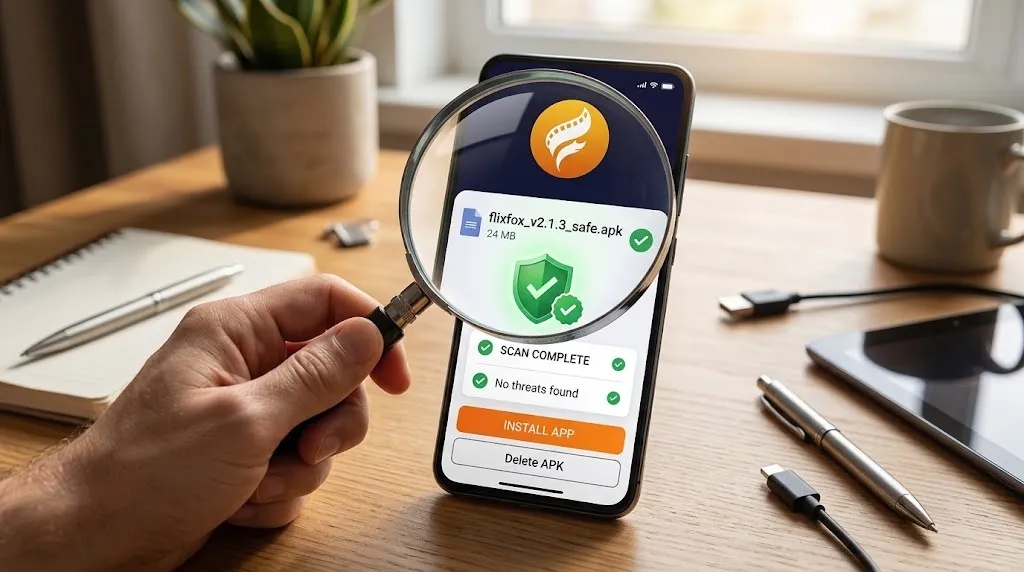
Fake copies of popular apps are common, so it's smart to check any APK before you install it. These checks take about two minutes:
Released on September 30, 2026:
FlixFox v2.1.3 is tuned to load faster on entry-level phones, but a few habits help even more:
This usually means an older FlixFox build is clashing with the new one, or your phone is low on storage. Uninstall the old version from Settings > Apps > FlixFox, free up some space, and install the new APK again.
The download was probably interrupted, or your phone runs an Android version below 6.0. Delete the file, download it again on a stable connection, and check your Android version under Settings > About phone.
Lower the quality from the player menu, switch between mobile data and Wi-Fi, and close other apps that are using the internet. If one title buffers but others play fine, try it again a little later.
Check your free storage first, since downloads stall when space runs out. Then go to Settings > Apps > FlixFox > Permissions and make sure storage access (Files and media) is allowed.
No. You can open the app and start watching right away without an email, phone number or password. An account is only needed if you want FlixFox Premium.
Yes. Most of the library is free to watch with short ads. FlixFox Premium removes ads and adds extra features.
Upgrade to FlixFox Premium from Me > Subscribe in the app, or activate a Premium or Gift code under Activate with Premium Code.
FlixFox is distributed directly as an APK file from its official website rather than through the Play Store. Installing it takes only a few taps, and this page has the steps for your phone brand.
FlixFox has content in Hindi, Tamil and Telugu as well as English. You can set your preferred languages so recommendations, audio and subtitles follow them.
Yes. The app interface can switch between English and Hindi from settings.
FlixFox v2.1.3 includes faster loading and smoother scrolling on low-end phones. For the best experience, use 2 GB or more and set playback to 480p or 720p on slower networks.
When an update is available, FlixFox shows an in-app prompt. Tap Update and follow the steps. You can also download the newest APK from the official website and install it over your current version.
FlixFox has live TV channels and a sports section that includes cricket. Which matches are available depends on what is being broadcast at the time.
No. Samsung (Tizen) and LG (webOS) TVs can't install APK files. FlixFox works on Android TV and Fire TV Stick; see the FlixFox for TV guide for setup.
Download only from the official website, confirm the file is 34.5 MB, and scan it on virustotal.com before installing. The safety section on this page walks you through each check.
This website respects the rights of content owners. If you believe any material on this website infringes your copyright, please contact us through customer support on the official website with details of the work and where it appears. We review every valid request and act within five business days.
This website shares information about the FlixFox app for general guidance only. Features, versions and availability may change without notice. App content is provided by third-party sources, and we do not host video files on this website.
Users are responsible for how they use the app and for following the laws that apply to them, including the Copyright Act, 1957 and the Information Technology Act, 2000. This website is governed by the laws of India.
